

After creating your token, the next step is to make it tradable by setting up a liquidity pool on Raydium, a popular choice for token trading. Our platform simplifies the process of creating a liquidity pool with Raydium. Follow this guide to get started.
To enable trading for your token, follow these steps:
(1) Create a Market ID.
First, visitcoindevtools.io/openbook-marketand connect your wallet.
You will see the following on the interface:
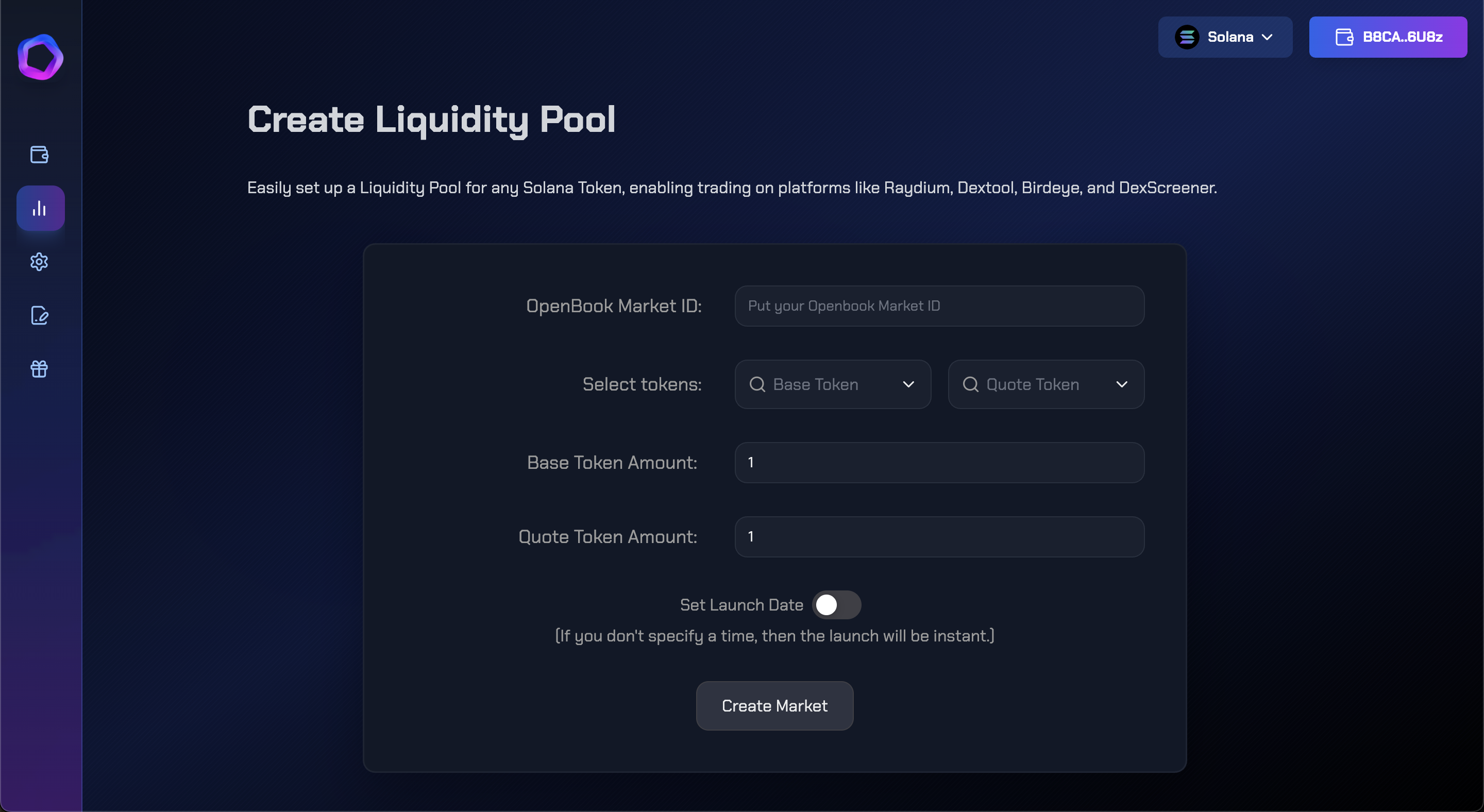
Let’s create your OpenBook Market ID on Solana without any coding, using our dApp "Create OpenBook Market." It’s quick, taking about a minute.
Ensure your wallet is connected.
Creating a market involves setting up a pair of tokens that can later be used to establish a liquidity pool.
Start by selecting your "Base Token"—this is the newly created token that currently holds no value.
Next, choose the "Quote Token"—usually SOL or USDC, a token with established value.
Set your "Minimum Order Size," which specifies the smallest amount of your token that users can buy.
Then, define the "Price Tick," which is the smallest change in price allowed for your token.
Refer to the chart below for guidance on setting the Minimum Order Size and Price Tick parameters:
| 100K | 0.01 | 0.0001 |
| 1M | 0.1 | 0.00001 |
| 10M | 1 | 0.000001 |
| 100M | 10 | 0.0000001 |
| 1B | 100 | 0.00000001 |
| 10B | 1000 | 0.000000001 |
| 100B | 10000 | 0.0000000001 |
